 Nusan
Nusan
The problem with typing your way through a conversation
Most translation apps still work the same way they did a decade ago: you type a sentence, wait for text to appear, then turn your phone around and hope the other person can read it. It's slow, it's awkward, and it kills the flow of an actual conversation — especially in a noisy market, a moving tuk-tuk, or across a restaurant counter.
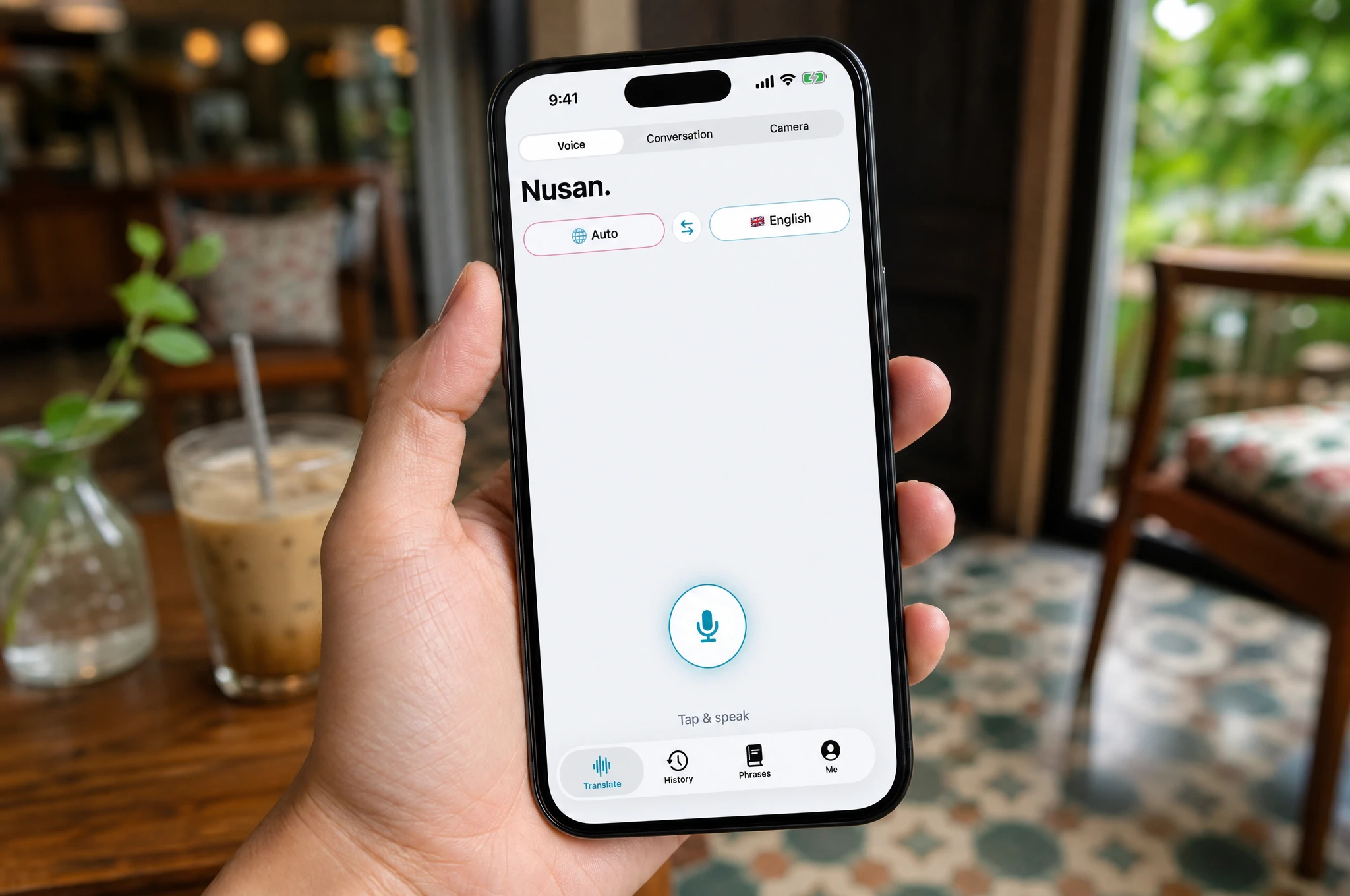
Voice translation flips that around. You talk the way you'd normally talk. The translation plays back as audio, straight into your earphones, while the app quietly does the work in the background.
How real-time voice translation actually works
There are three steps happening every time you speak, and on a good connection the whole thing takes well under a second:
- Speech recognition. Your phone's microphone captures what you say, and on-device speech recognition converts it to text. Nusan does this on-device whenever possible, so nothing leaves your phone just to figure out what you said.
- Translation. That text is translated into the target language. Common language pairs are handled entirely on-device using Apple's built-in translation engine; less common pairs are translated with a cloud model tuned specifically for Southeast Asian languages.
- Speech synthesis. The translated text is converted back into natural-sounding speech and routed to whatever audio output is connected — your AirPods, any other Bluetooth earphones, or the phone's speaker.
The result feels less like "using an app" and more like having a quiet interpreter standing next to you.
Why AirPods (and any Bluetooth earphones) make it feel natural
Once the translation is audio instead of on-screen text, your earphones become the interface. You don't need to look down, unlock your phone, or hand it to a stranger. You keep eye contact, keep walking, keep the conversation moving — the phone can even stay in your pocket.
This isn't limited to the latest AirPods. Any Bluetooth earphones work, because the app simply plays audio through whatever output iOS is already using. If you're traveling with a budget pair of earbuds, or your local friend's car is connected over Bluetooth, translation still comes through the same way.
What makes translation feel accurate, not just fast
Speed doesn't matter much if the translation is wrong. A few things make the biggest difference in practice:
- Context-aware phrasing. Southeast Asian languages carry a lot of meaning in register and tone — the same sentence sounds very different spoken casually to a friend versus formally to a shopkeeper. A translation engine tuned for these languages, rather than a generic one, gets this right more often.
- Automatic language detection. You shouldn't have to manually switch languages mid-conversation when the other person replies. Good voice translation detects what's being spoken and adapts.
- A pronunciation guide for non-Latin scripts. Translating into Thai or Chinese is only half the job — seeing how to actually say it yourself is what helps you learn a few words instead of relying on the app for everything.
A quick example: ordering street food
Say you're at a night market in Chiang Mai and want to ask if a dish is spicy. You tap the microphone, say it in English, and within a second or two the vendor hears the question in Thai through your phone's speaker — or you hear their answer translated back into your earphones if they're speaking into the app themselves. No typing, no passing the phone back and forth, no losing the moment.
Getting the most out of voice translation
- Speak in short, complete sentences rather than long run-ons — it keeps translations accurate and quick.
- In loud environments, hold the phone a little closer to your mouth so speech recognition has a clean signal.
- For two-way conversations, use a dedicated conversation mode that lets both people take turns speaking their own language into one phone, rather than swapping the translation direction manually each time.